
Updated for this edition with current guidance. The original publication date is retained.
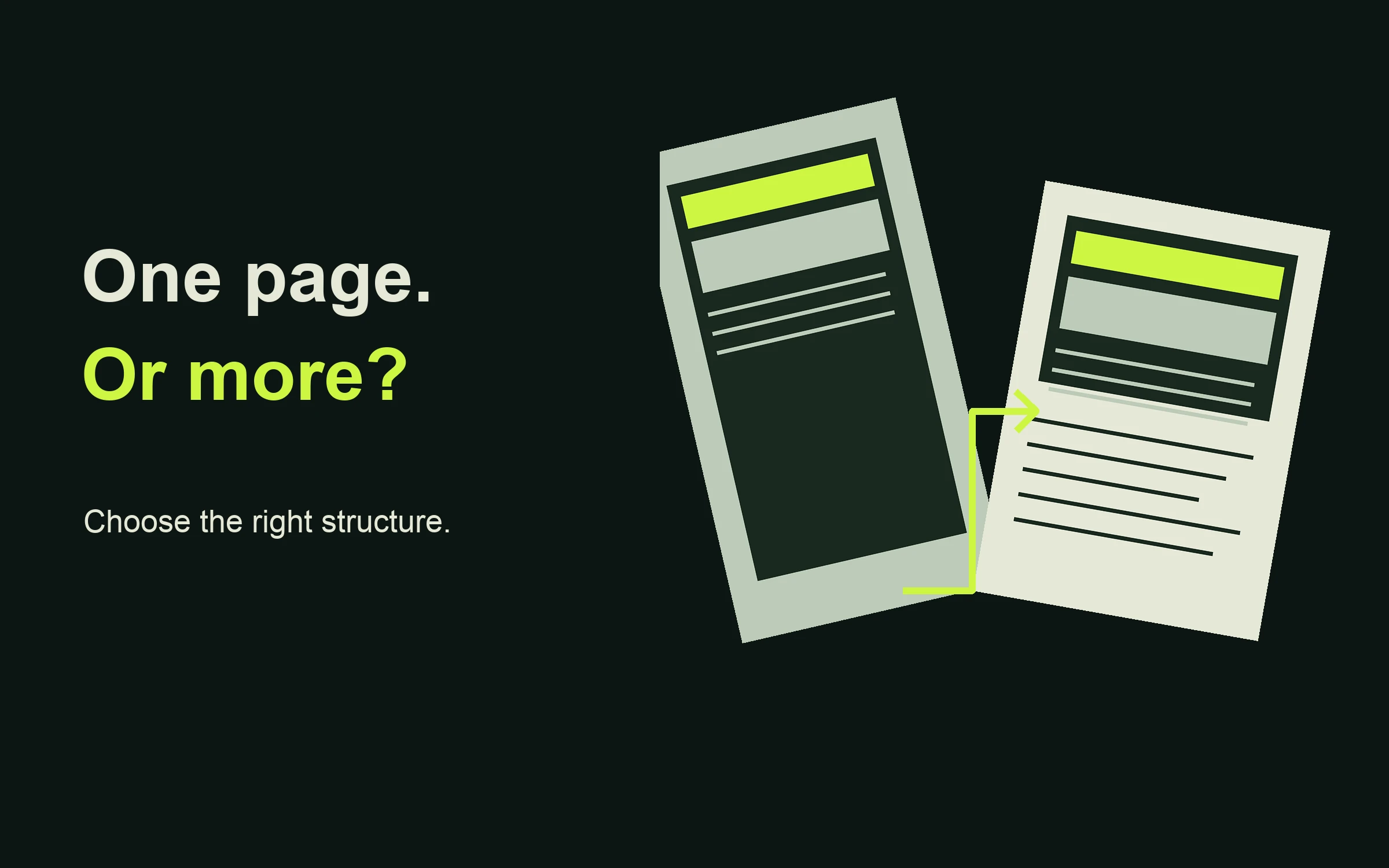
A one-page website can be a good fit when you have one clear offering and a straightforward next step. It is less useful when a visitor has to scroll past several unrelated services to find the answer they need.
The decision is not really about whether scrolling is good or bad. It is about how much your website needs to explain, who needs that information and how they will find it.
Start with the visitor's task
Write down the questions a new visitor needs answered before getting in touch. What do you do? Who is it for? What does the work look like? How does someone take the next step?
If those questions form a short, coherent story, one page may be enough. A focused campaign, an event or a small business with one primary service can work well this way.
If different visitors arrive with different needs, separate pages may be clearer. A business offering branding, website development and custom software has more to explain than a business promoting one workshop.
Give each section a clear job
A useful one-page structure often includes an introduction, the offering, evidence of the work, practical questions and a contact route. The order should follow the visitor's questions, not a template's list of decorative sections.
Use descriptive headings and navigation links that jump to meaningful sections. Make sure a fixed header does not cover the heading someone has just selected. Keyboard users should be able to follow the same route without losing their place.
Keep the primary action easy to find without repeating a large sales message after every paragraph.
Do not make one page carry too much
Combining several subjects does not automatically make a site simpler. A long page with multiple audiences, detailed specifications and several competing calls to action can be harder to use than a well-organized set of pages.
Separate pages are useful when a service needs its own examples, explanation or search intent. They also give you a specific URL to share in a proposal or conversation. An anchor link can point to a section, but it does not turn that section into a separate page.
Keep the page light and accessible
Large background videos, oversized photographs and unnecessary animation can make a short site expensive to load. Use media that helps explain the work, with appropriate dimensions and text alternatives.
Check the complete page on a small screen and with enlarged text. Test navigation, focus visibility, forms and any moving content with a keyboard. Important information should remain available if an enhancement fails to load.
Leave room to grow
A one-page site can be a useful starting point, but plan where additional services, project stories and helpful articles would live. Avoid building a structure that has to be discarded when the business adds its next offering.
Choose the smallest structure that explains the business well. If one page makes the next step clearer, use one page. If distinct pages help people find the right information, give that information room.